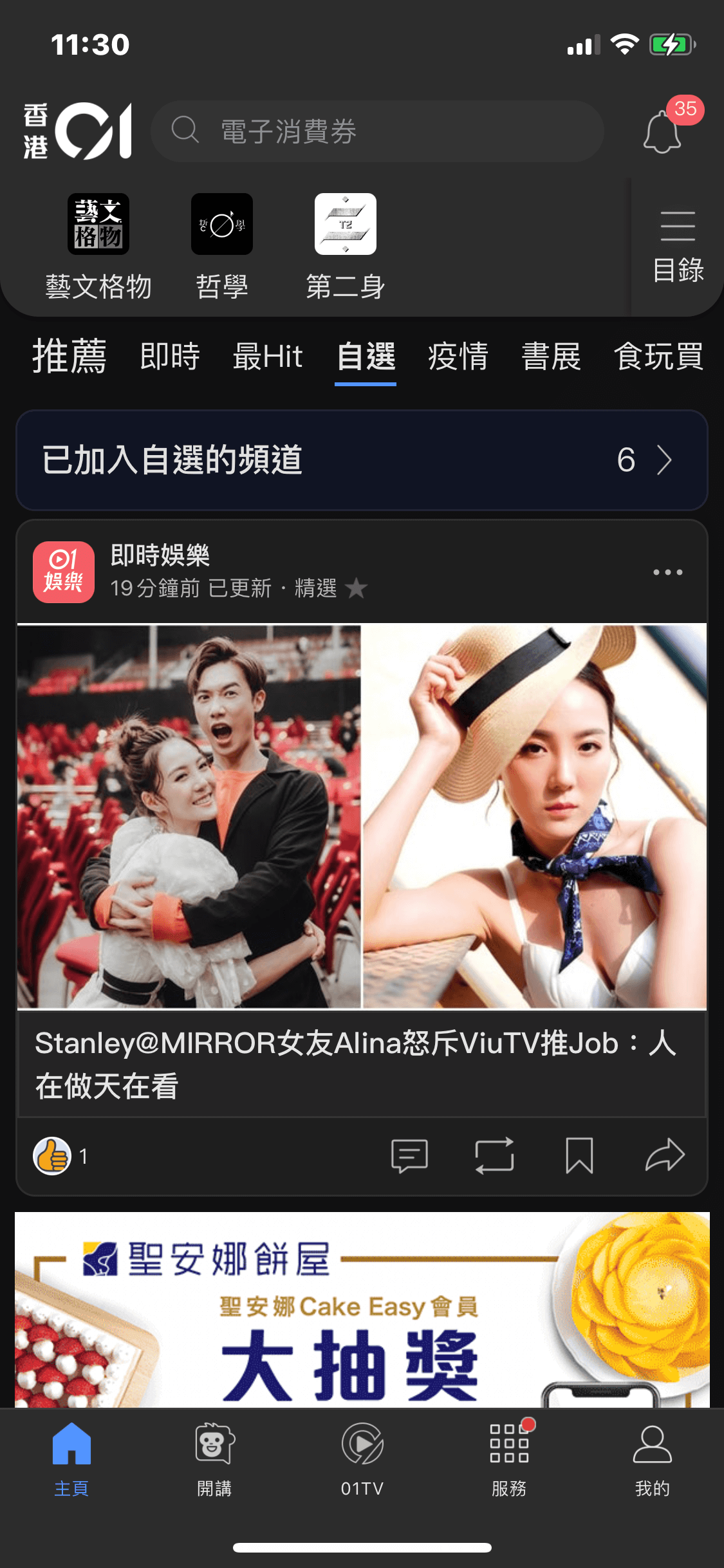
HK01 App 3.0
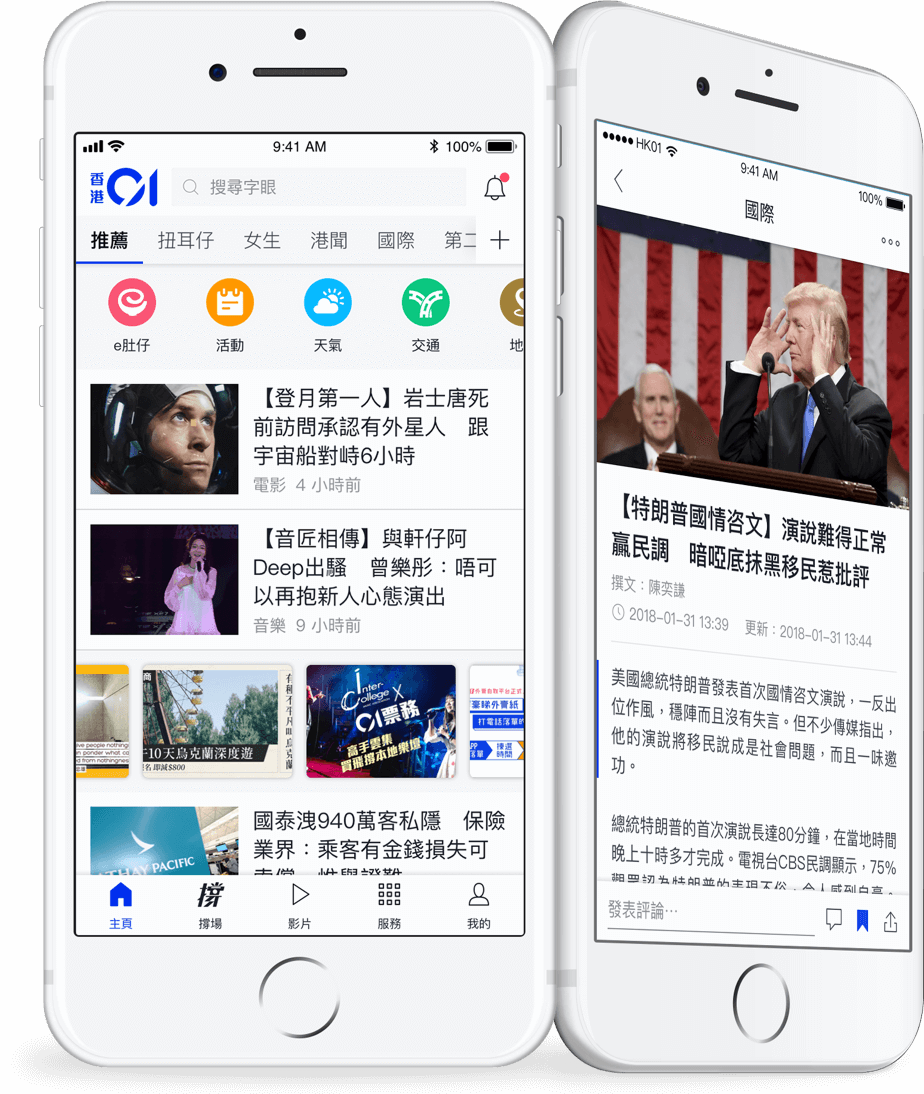
Background
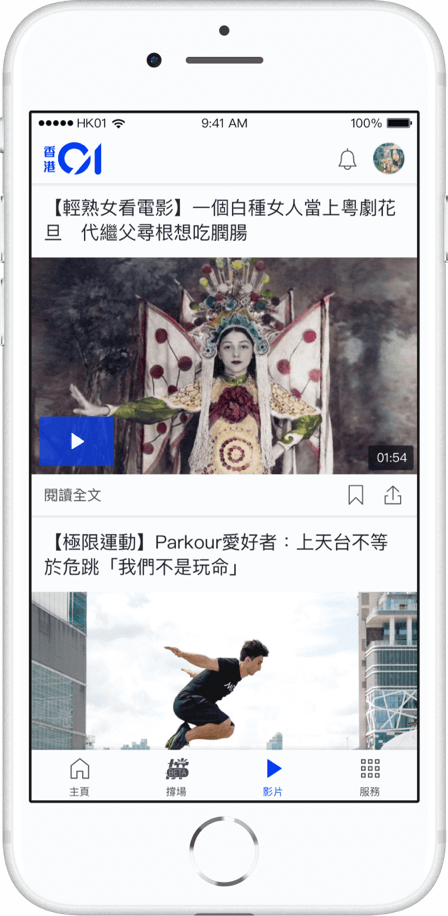
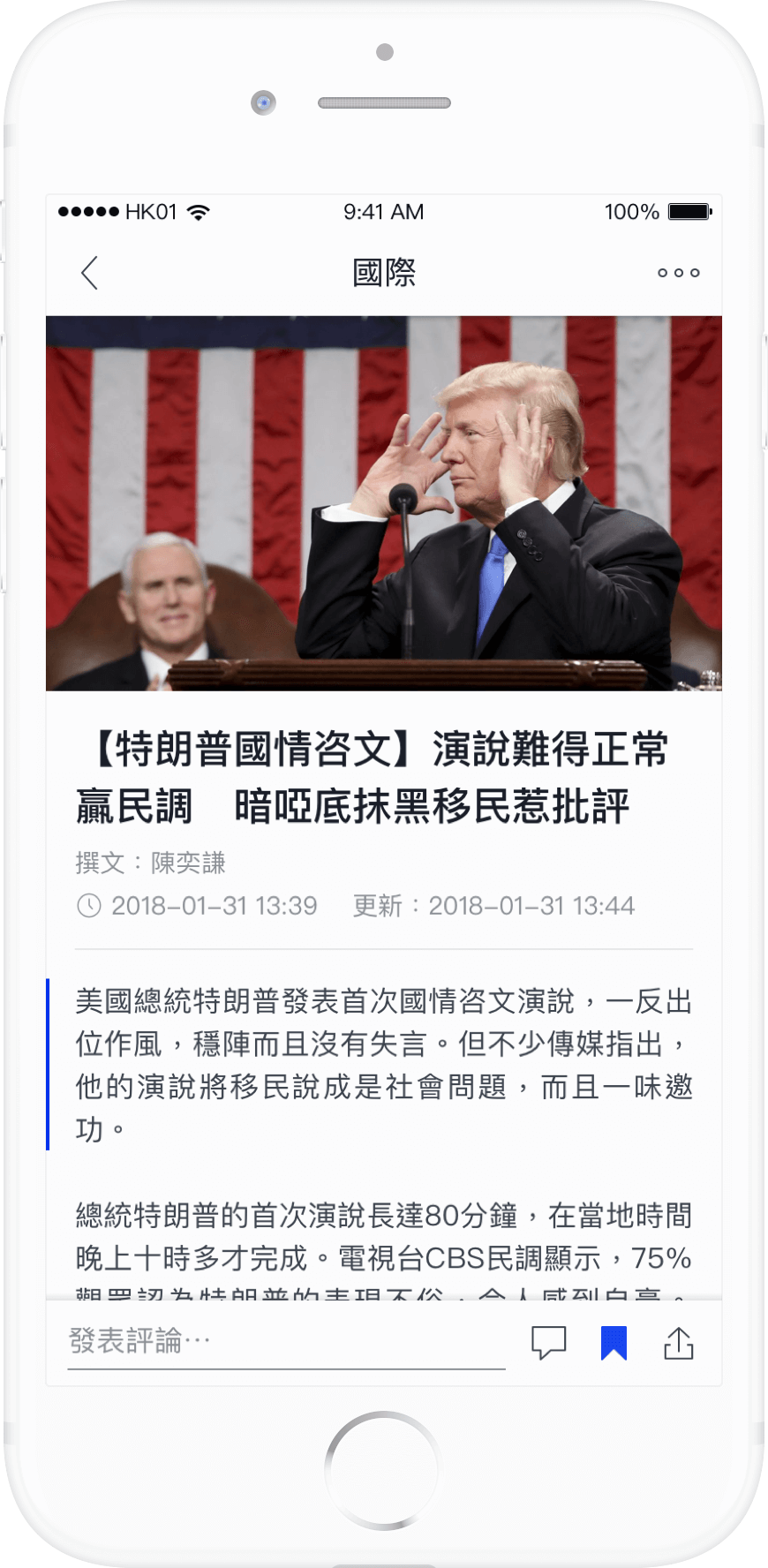
HK01 (香港01), a renowned local media company and news provider, has been operating its news app platform since the inception of the business. This revamp project involves upgrading the previous version (app 2.0) that was launched in March 2018.
My role
The key design representative of the revamp.
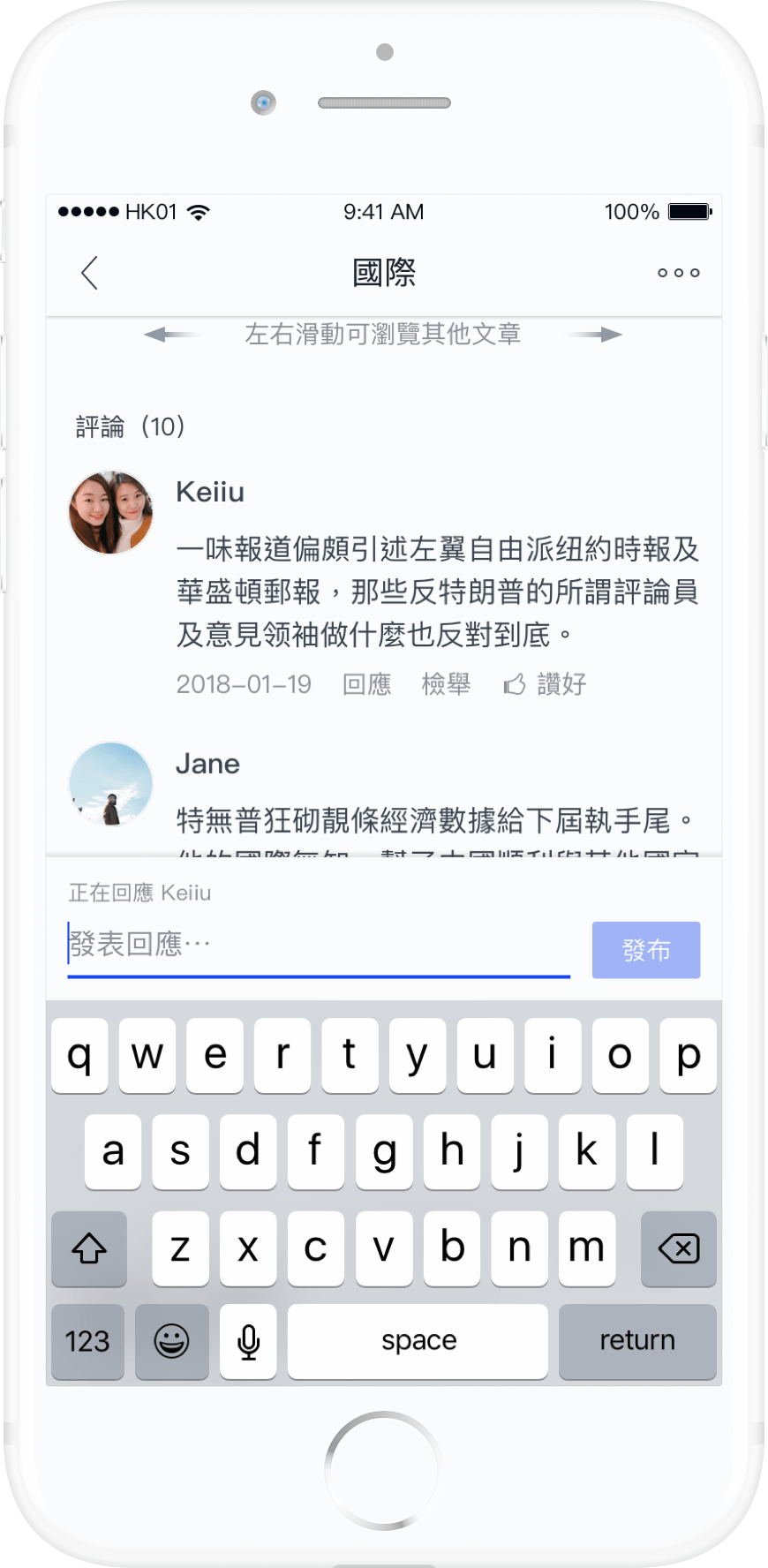
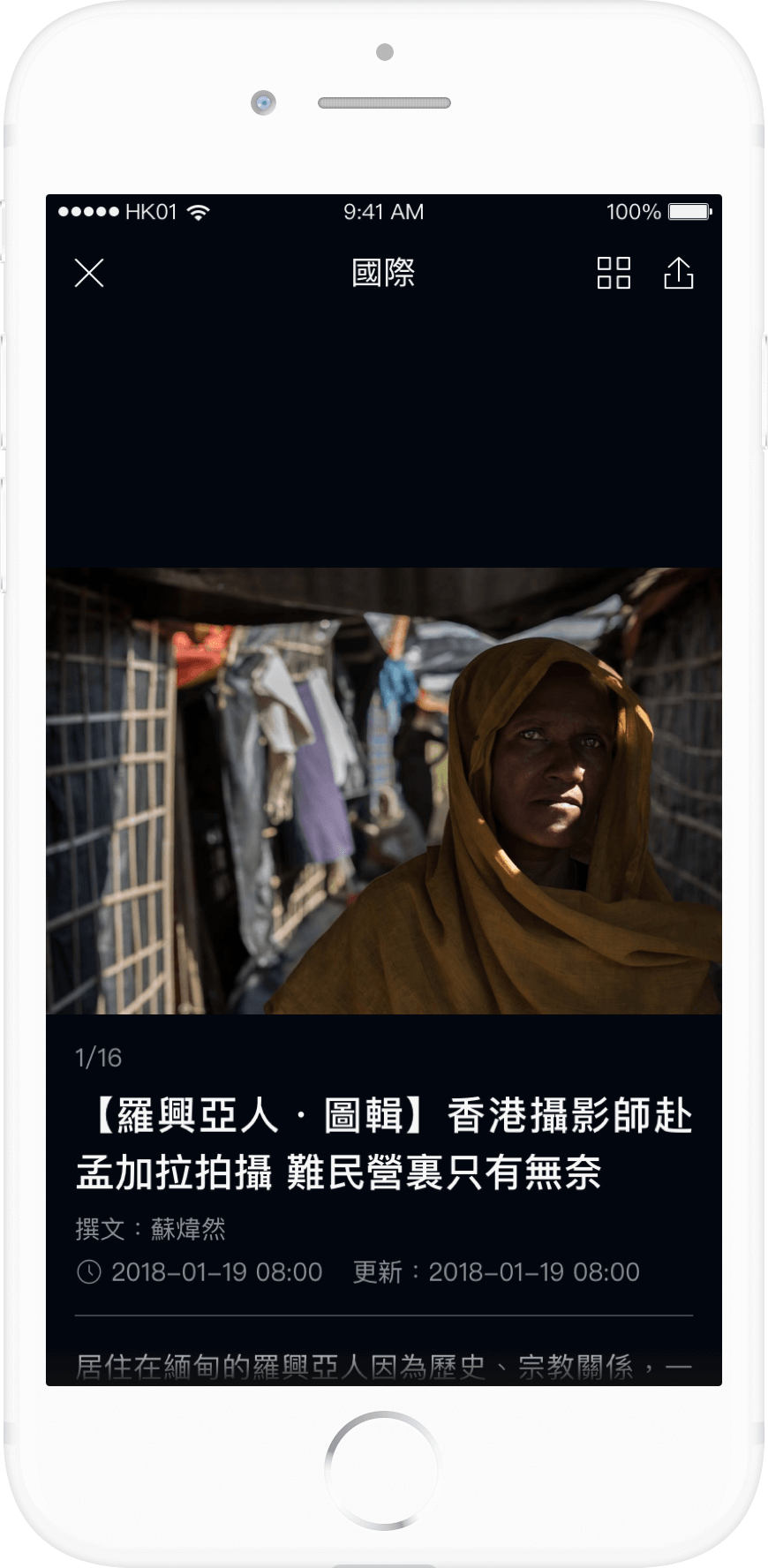
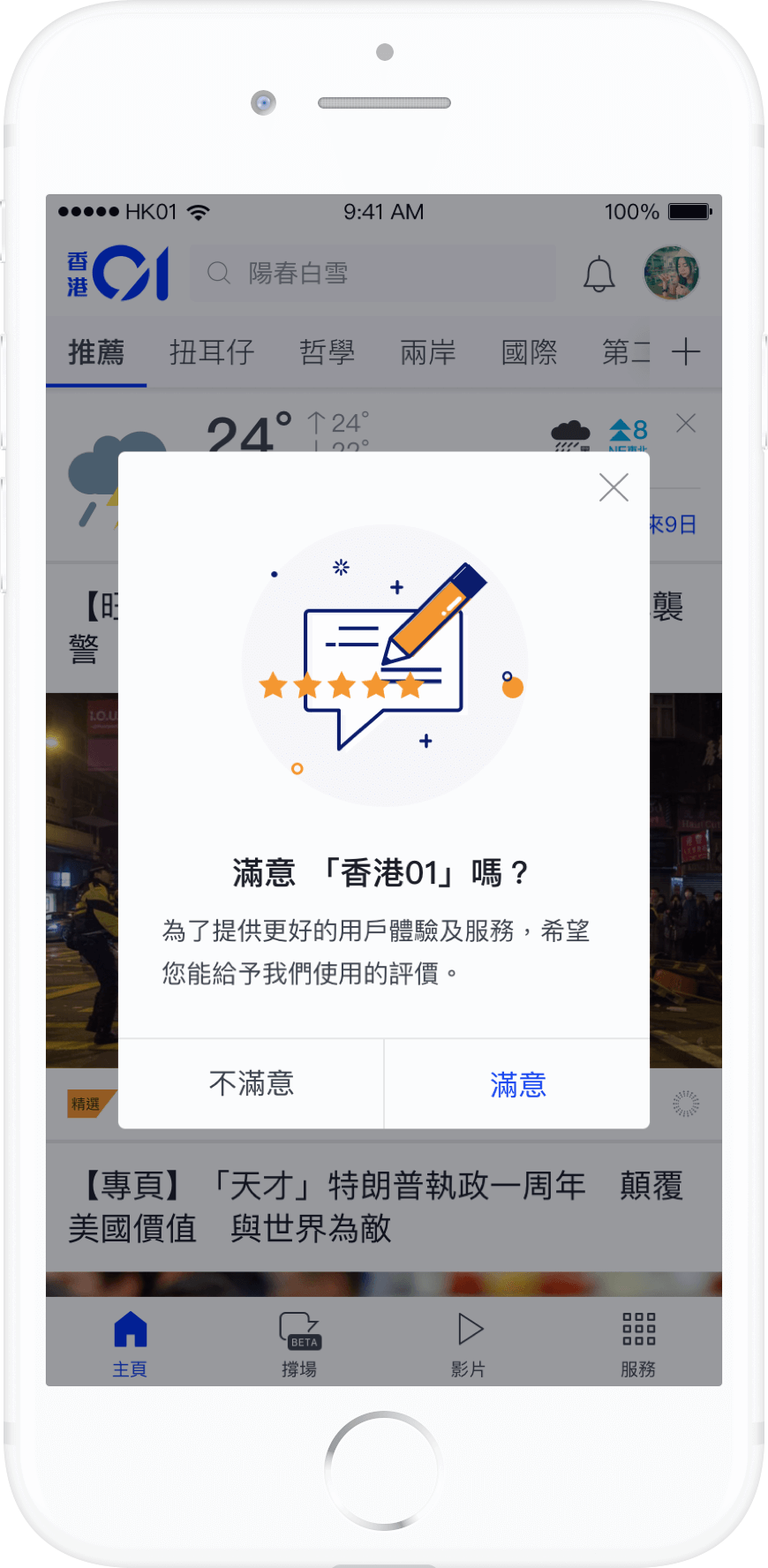
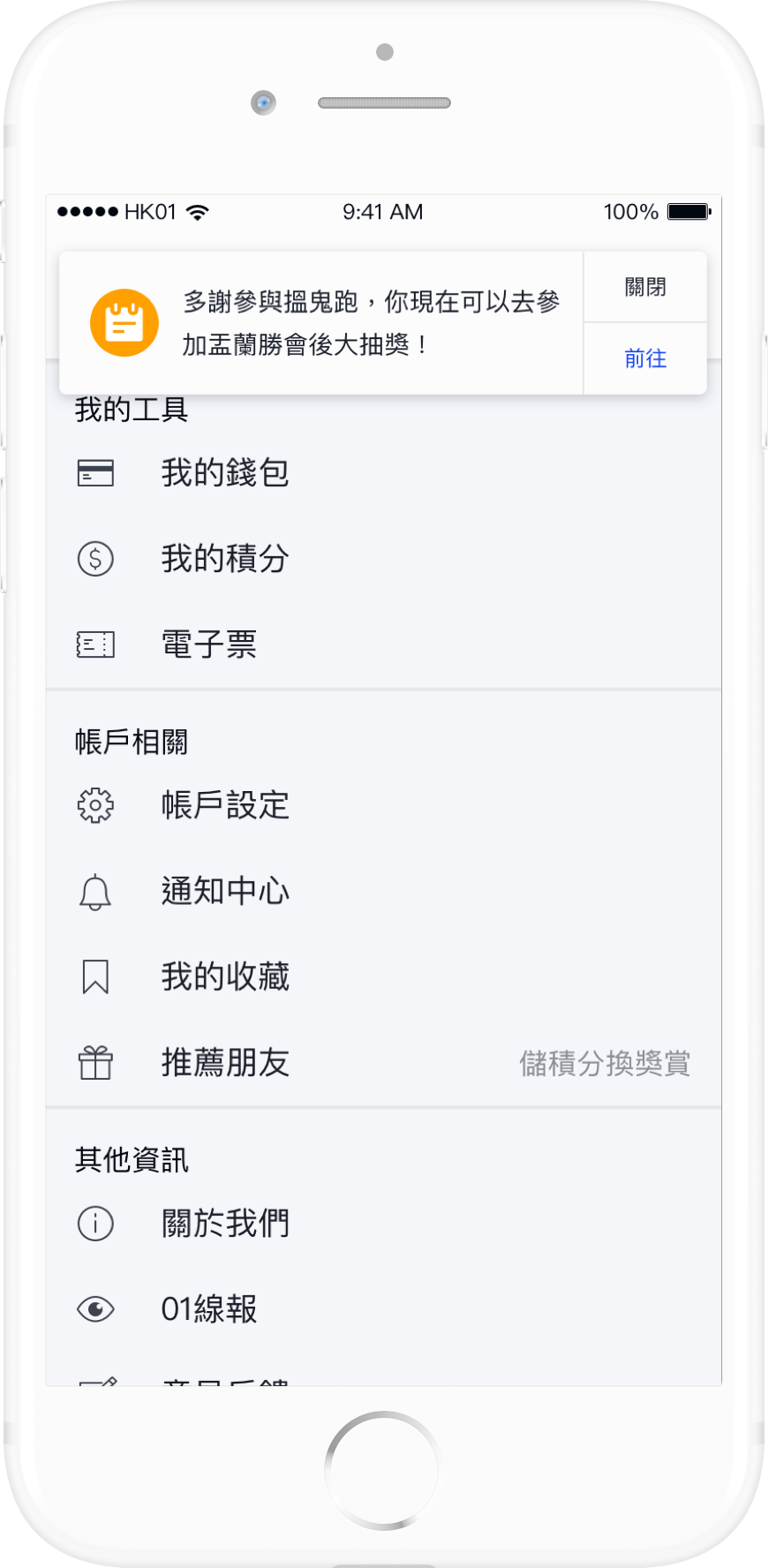
Challenge
A tight timeline is certainly the first challenge that comes to mind, as this version was initiated only a few months after the previous version was launched. Consequently, there were overlaps between the two versions, resulting in an increased workload with tasks and design work being duplicated.
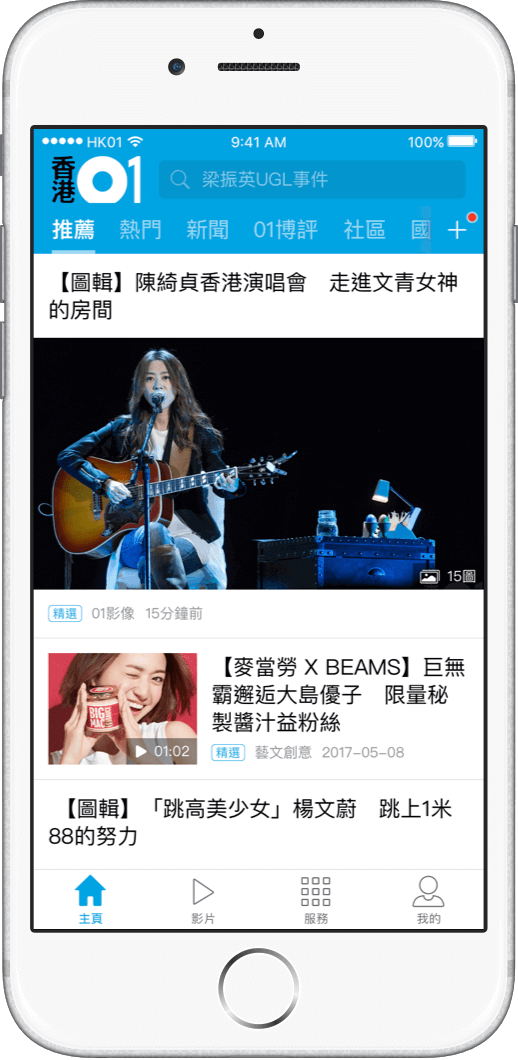
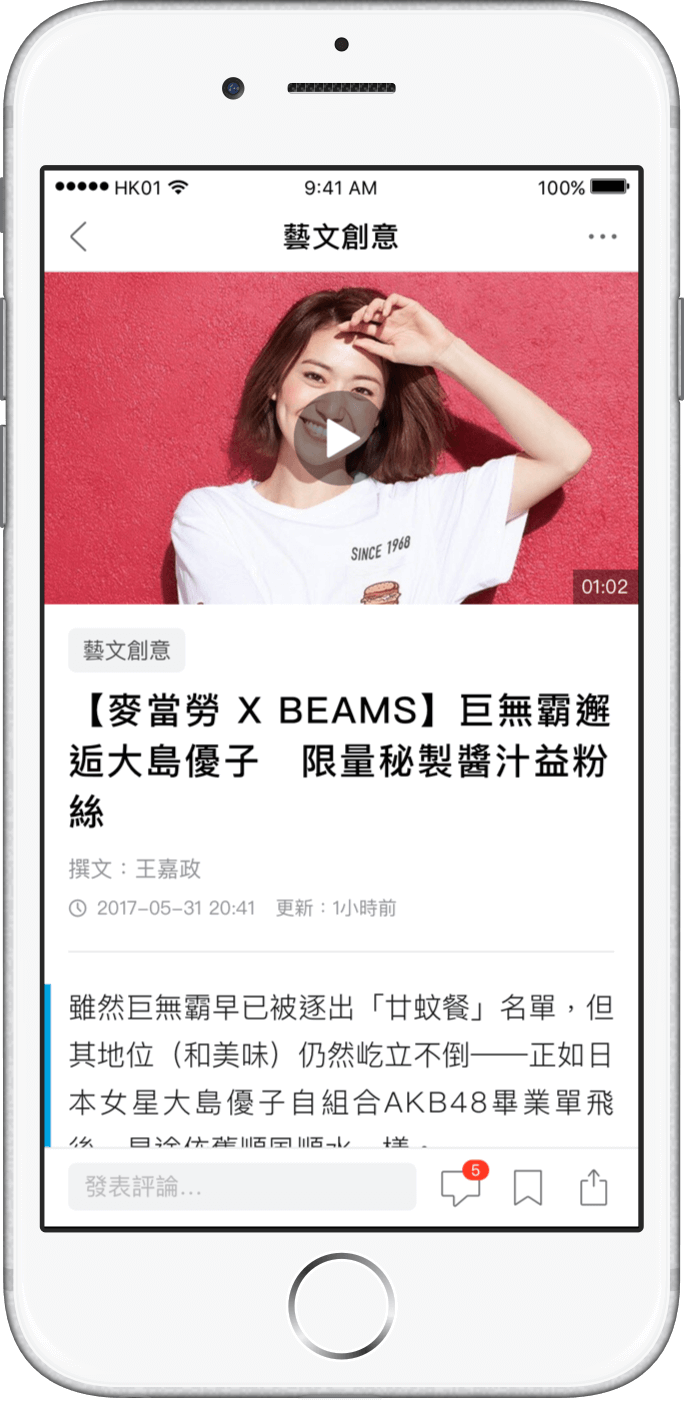
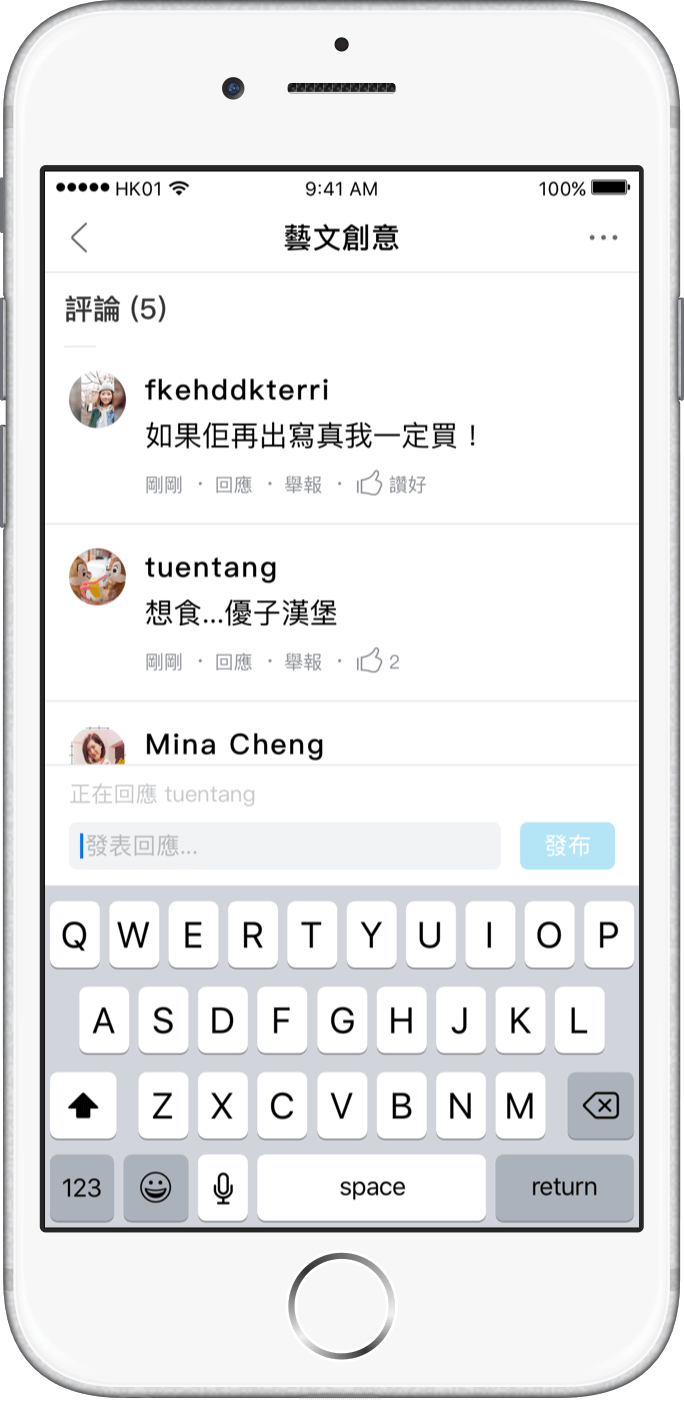
The most challenging aspects often arise from human factors, such as collaborating and negotiating with external parties to adopt new branding visual elements and striking a balance between promotional items and content. In addition to UI and collaboration concerns, another challenging aspect involves dealing with complex system logic and managing flow handling.
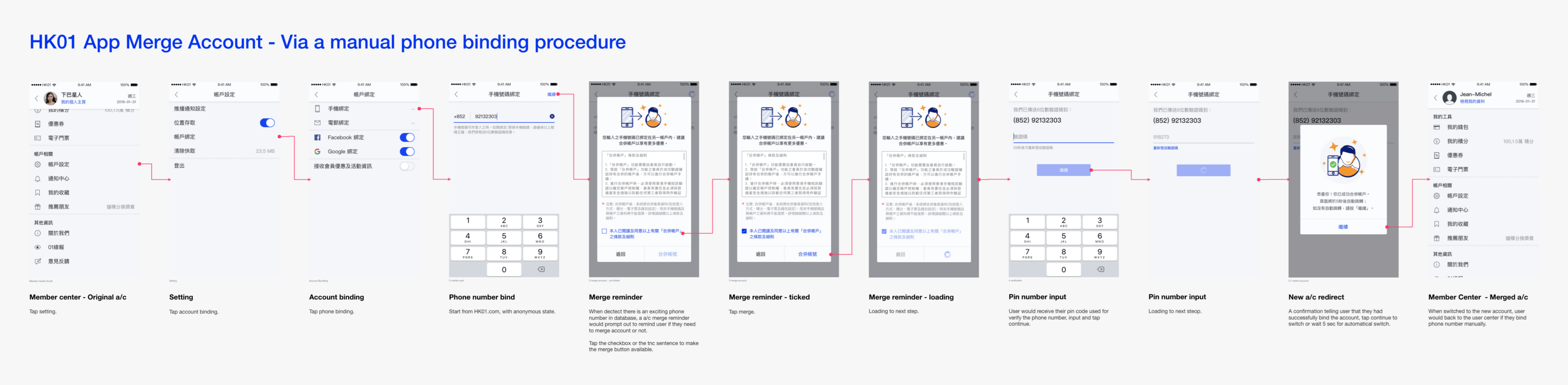
The account-related functions have undergone significant expansion in app 3.0 compared to app 2.0. Here is an example use case of the account merge flow.
Design library & guideline
The revamp project serves as a starting point for me and the team to establish standardized practices for building UI, communication, and design-opts. This practice has been ongoing and extends to other digital products within HK01, becoming a long-lasting practice.
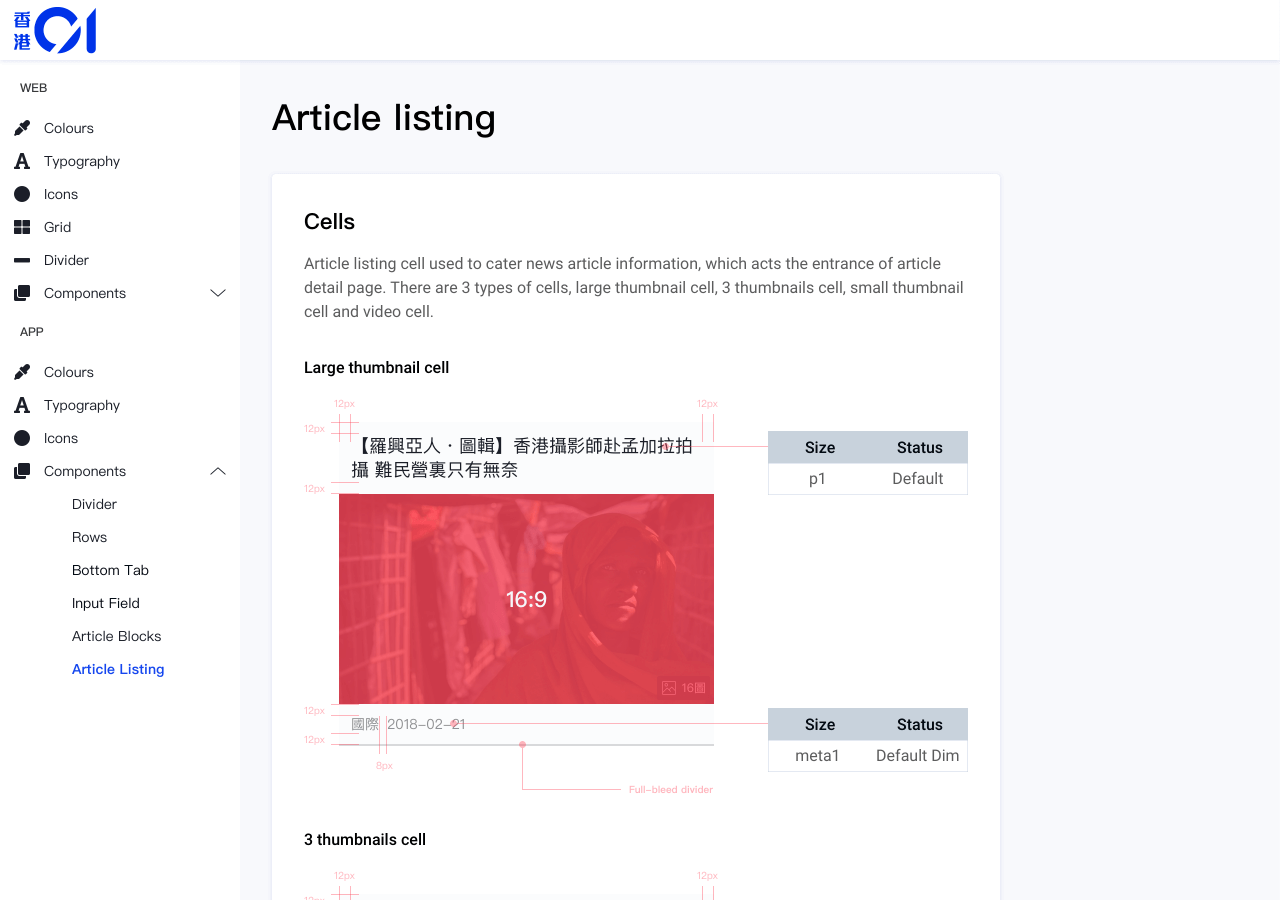
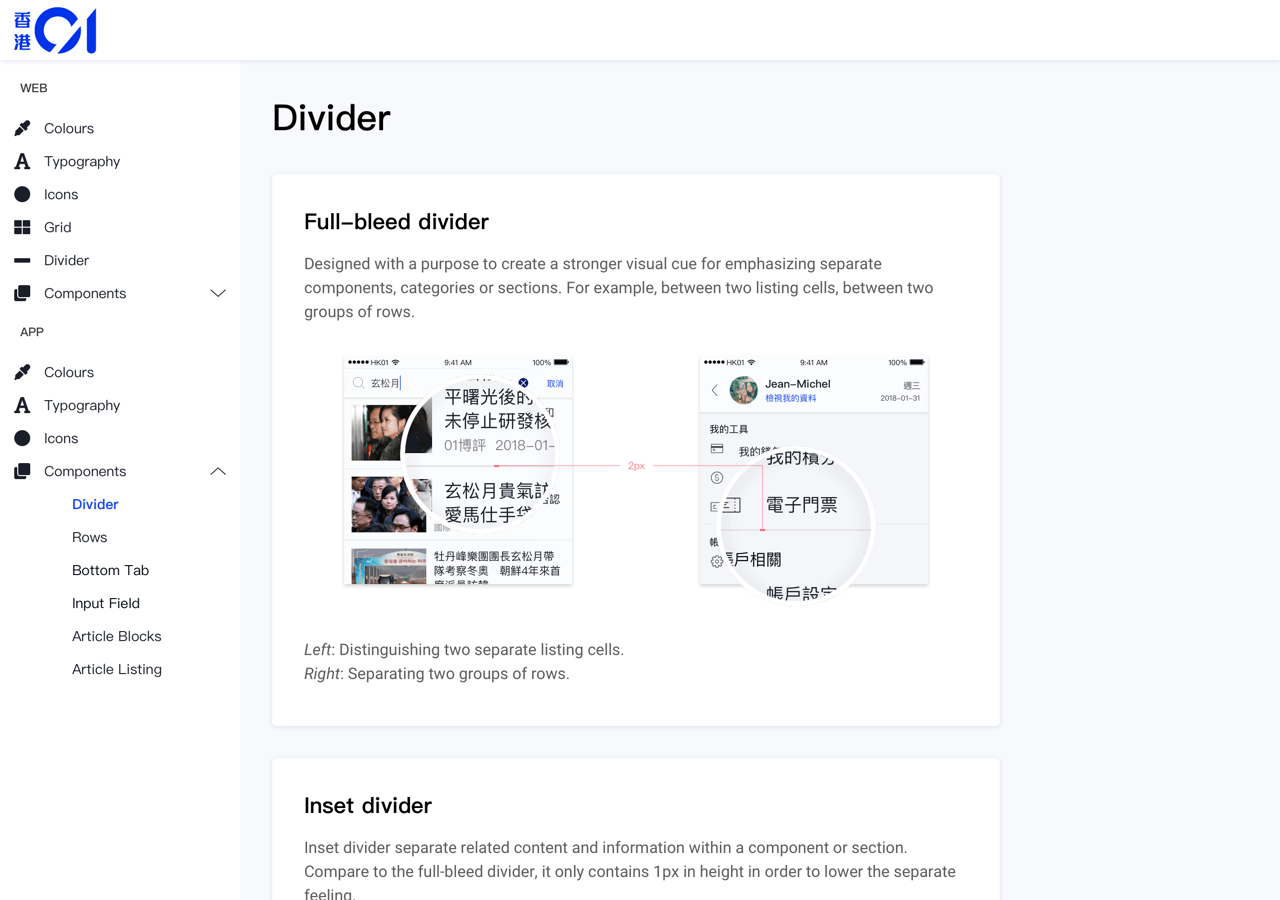
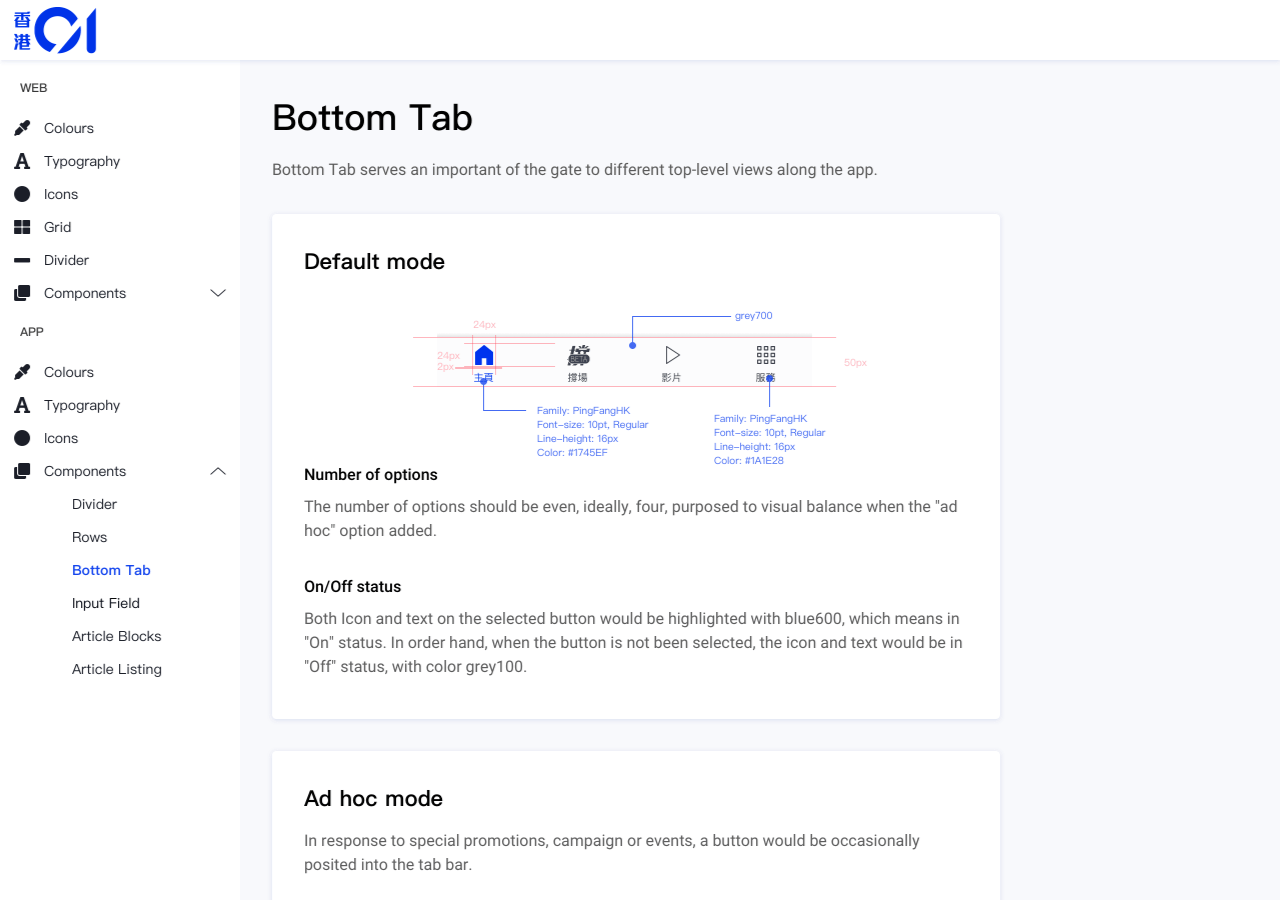
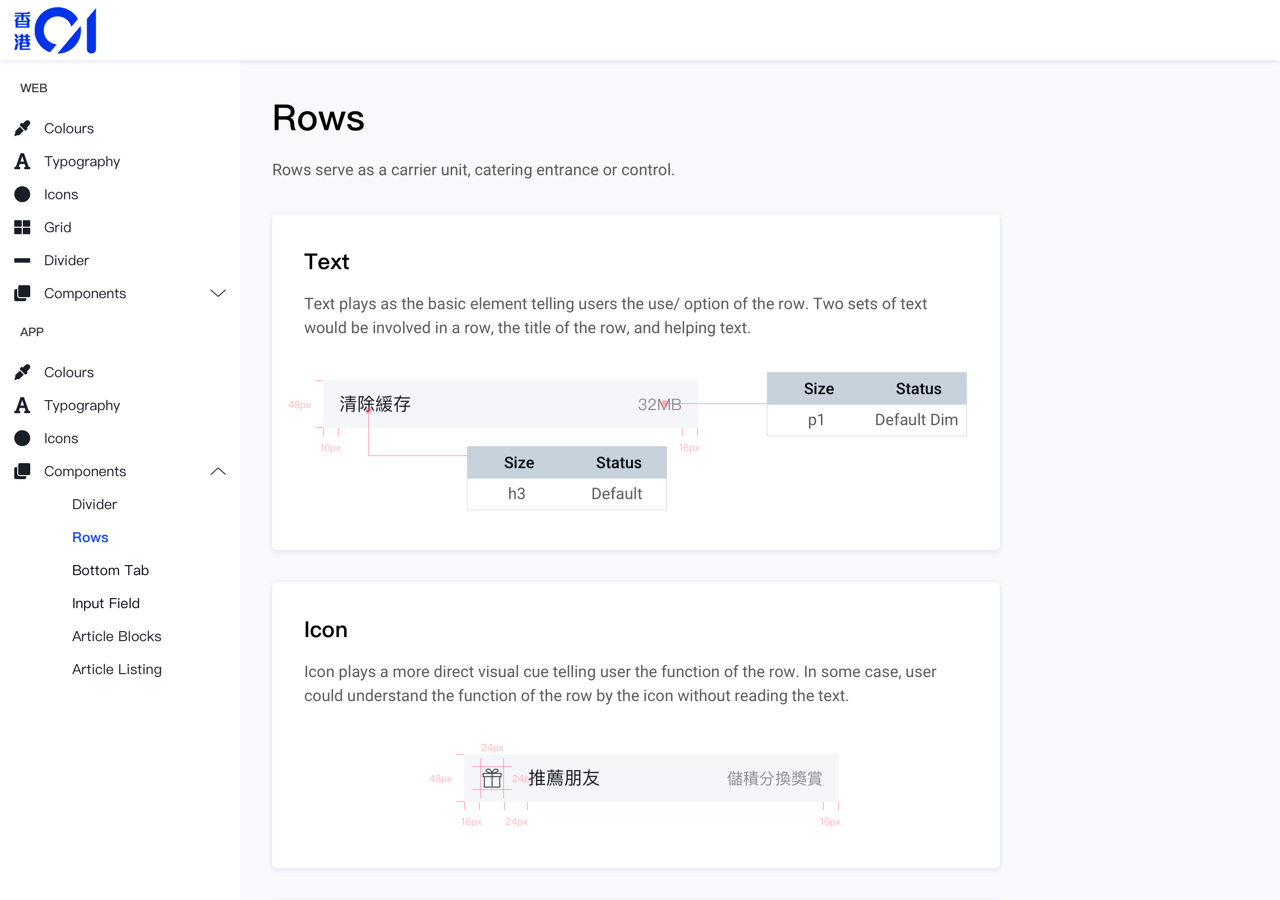
Study case//
Judging the requirement for synchronizing the menu (channel) structure for both web and app
Background
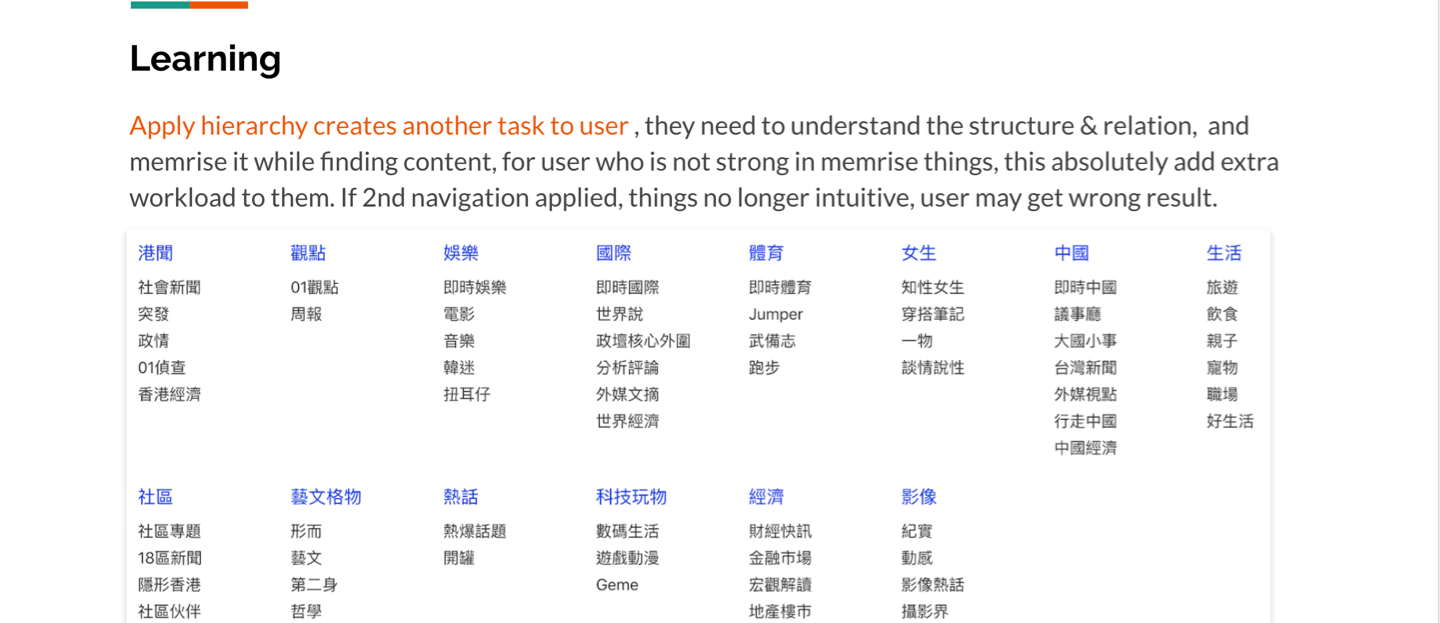
Content on HK01 is grouped into ‘channels’ based on topics, while a ‘zone’ represents a collection of channels with similar themes. The web’s index menu typically displayed the hierarchical structure of zones and channels, whereas the app menu blended the two since it was designed as a customized shortcut to user-selected channels.
In mid-2018, stakeholders proposed synchronizing the content menu (news channels/categories) between the app and web platforms.
In mid-2018, stakeholders proposed synchronizing the content menu (news channels/categories) between the app and web platforms.
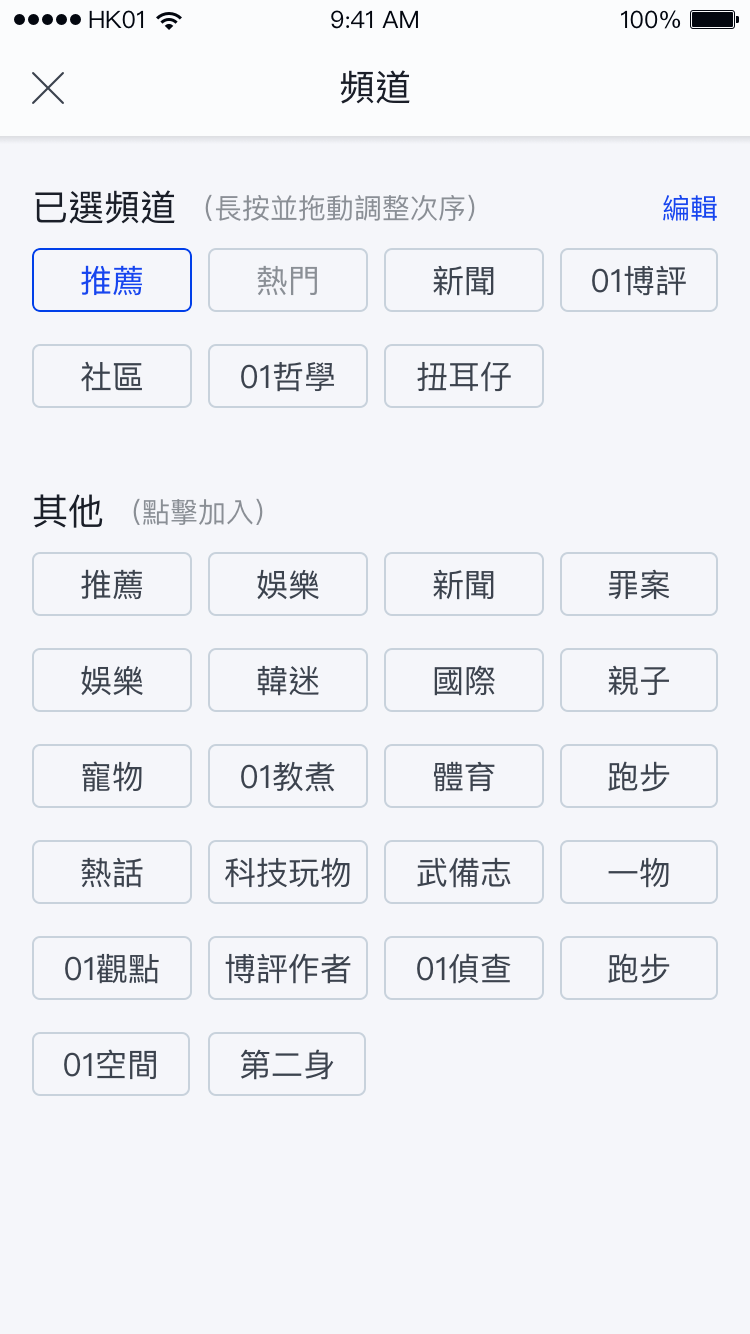
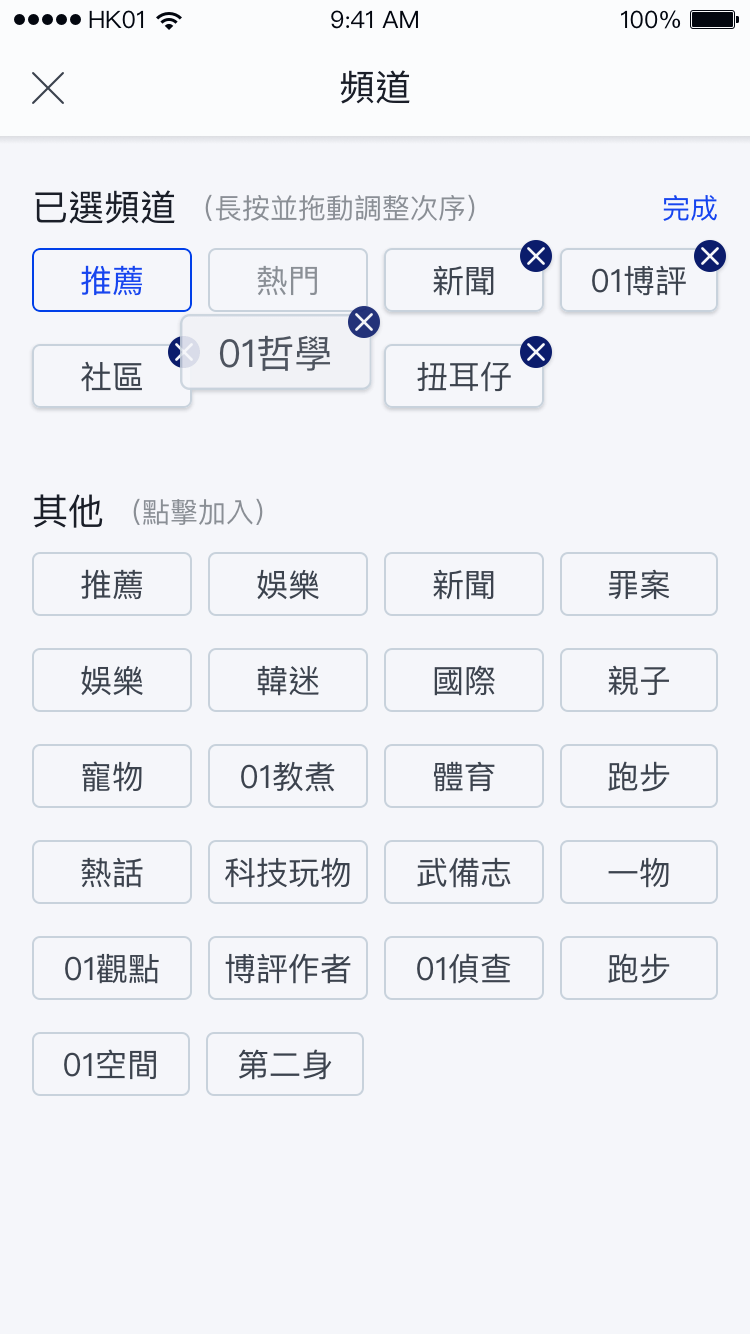
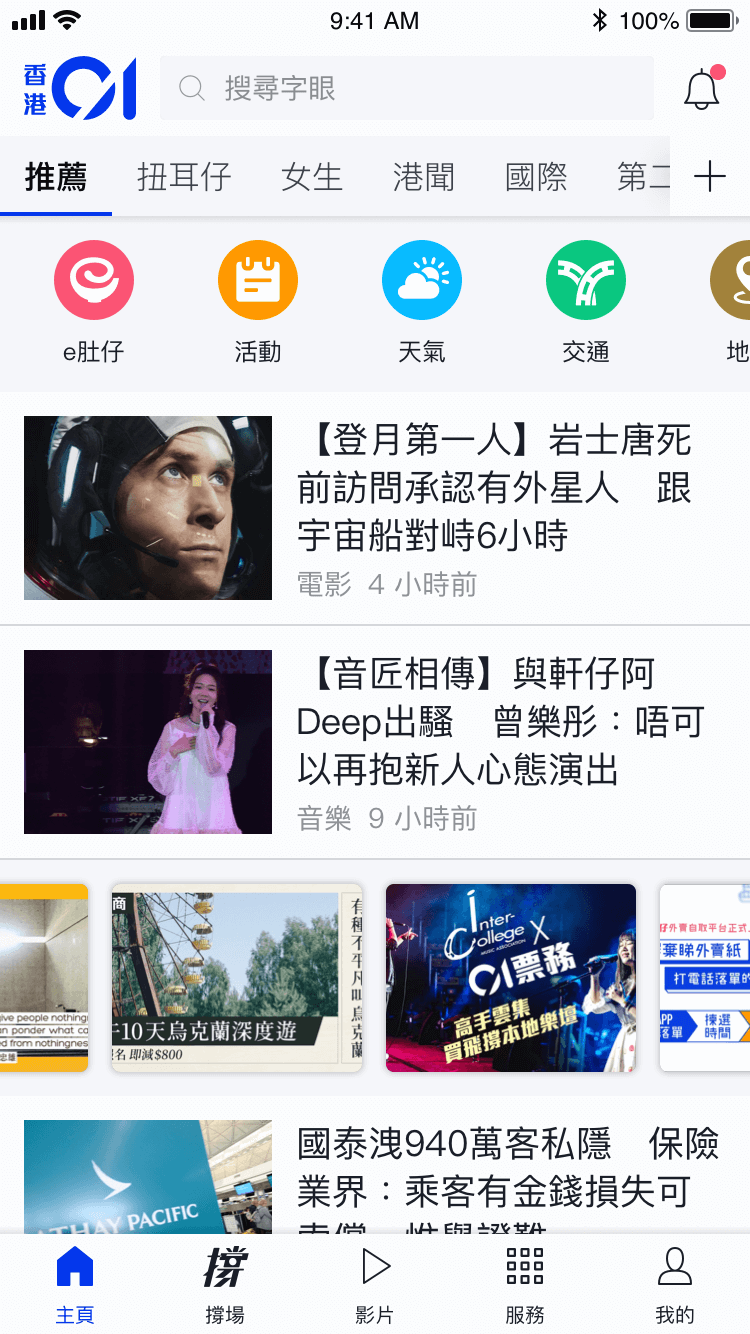
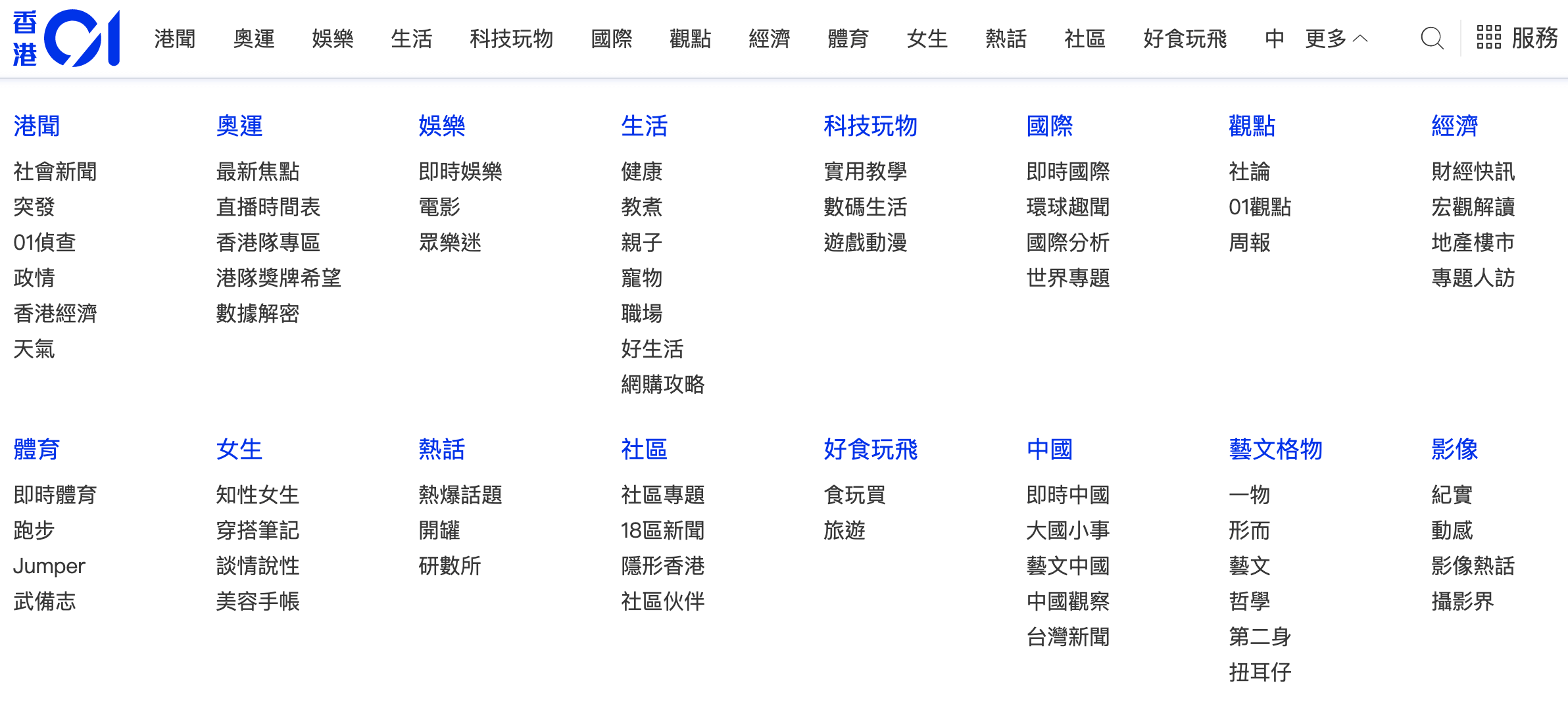
On the web platform, the mega menu serves as an index function, providing users with an organized and hierarchical view of the content. It prominently displays the hierarchy between zones and channels, allowing users to navigate through different sections of the website with ease.
Analysis
There is no absolute answer to the task as both “to do” and “not to do” approaches are reasonable. My role is to assess how this change would impact users and performance from a UX/UI perspective. The judgment is based on the following considerations:
Content accessibility
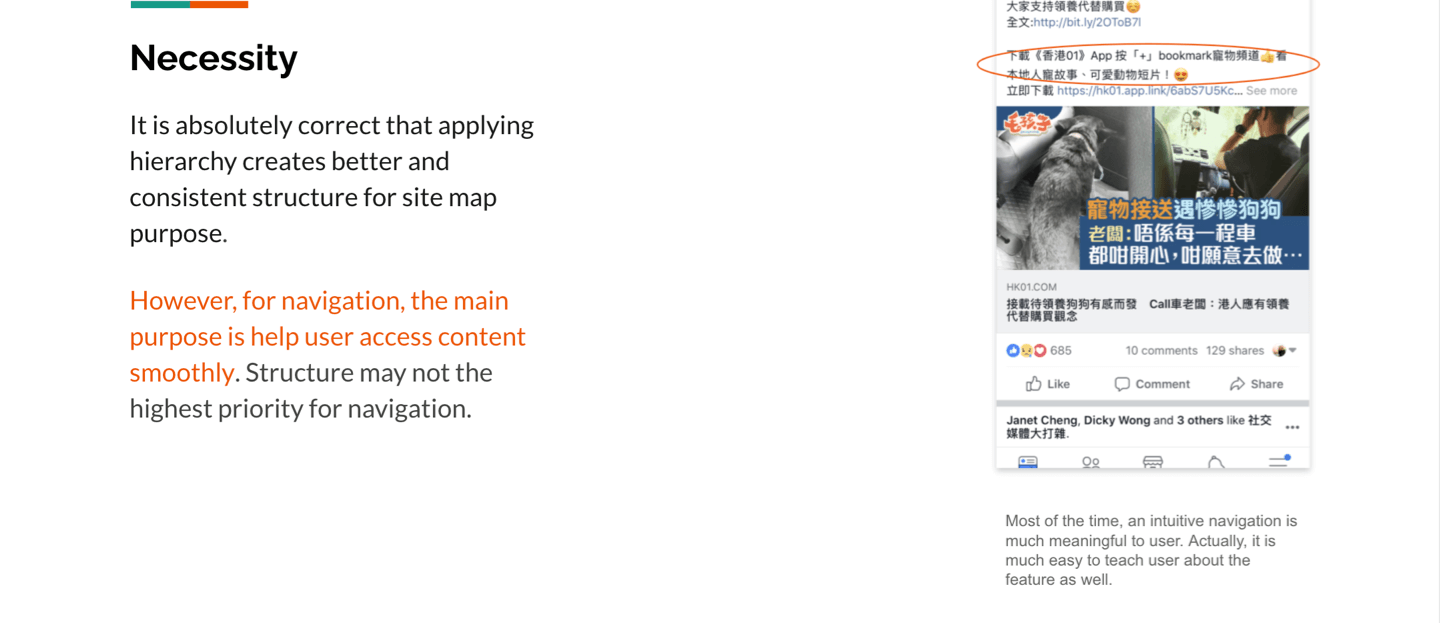
While the product team aims to synchronize the menu of the app and web, it increases the complexity of app navigation and reduces content exposure. Furthermore, this change also decreases the visibility of individual channels. Does this have an impact?
Context & PV
A zone page serves as a summary of all its channels, and typically, the total page views (PV) of the channels would not exceed that of the zone they belong to. However, data shows that some channels have higher PV than their respective zones. One possible explanation is that these channels have specific content that attracts readers to directly access them, rather than scanning the broader zone.
For instance, readers may visit the ‘News’ zone to get a general overview of daily news, but for channels with specific topics like ‘travel’ or ‘pets’, they might prefer to directly access those channels rather than staying within the ‘Life’ zone. Therefore, synchronizing the menu could potentially hide these channels, impacting their page views.
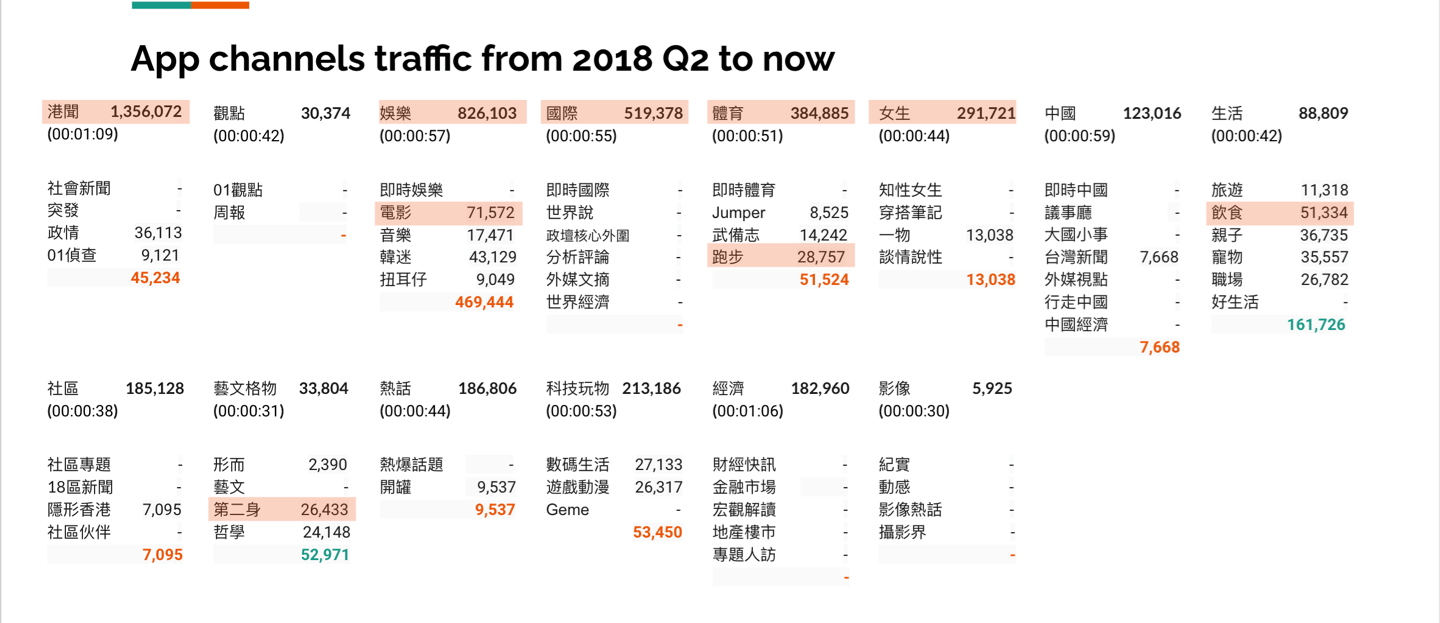
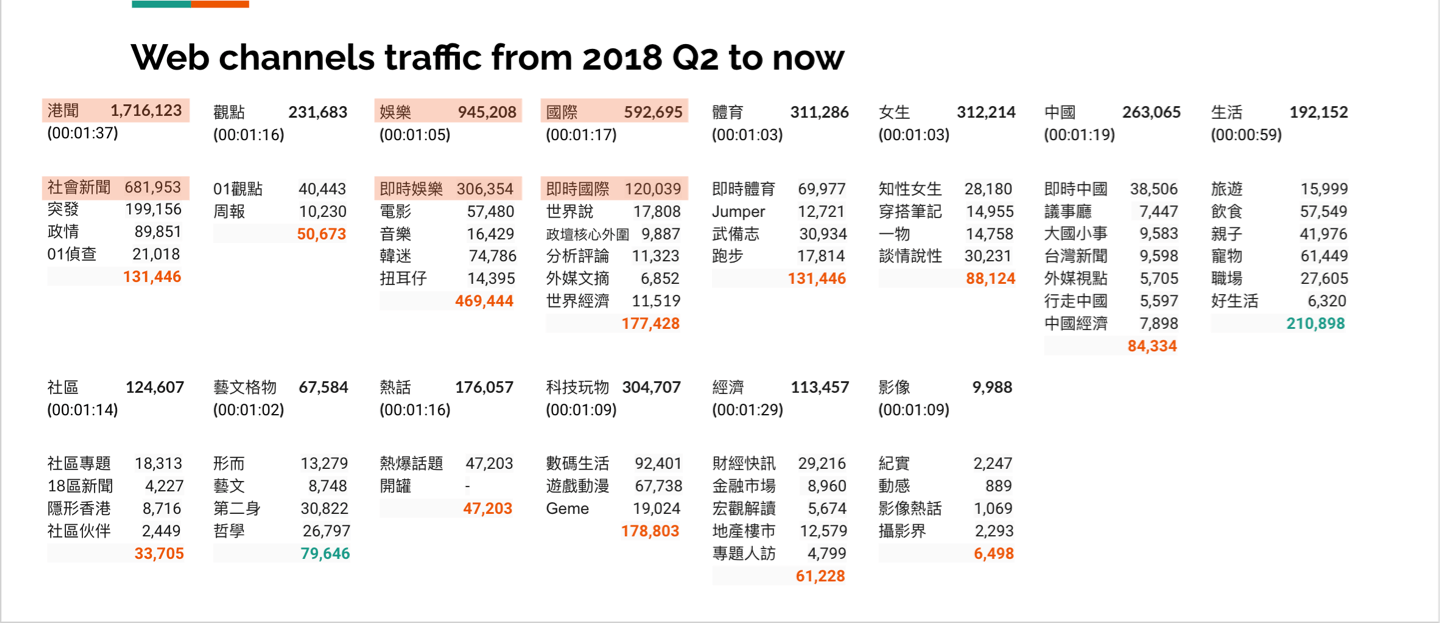
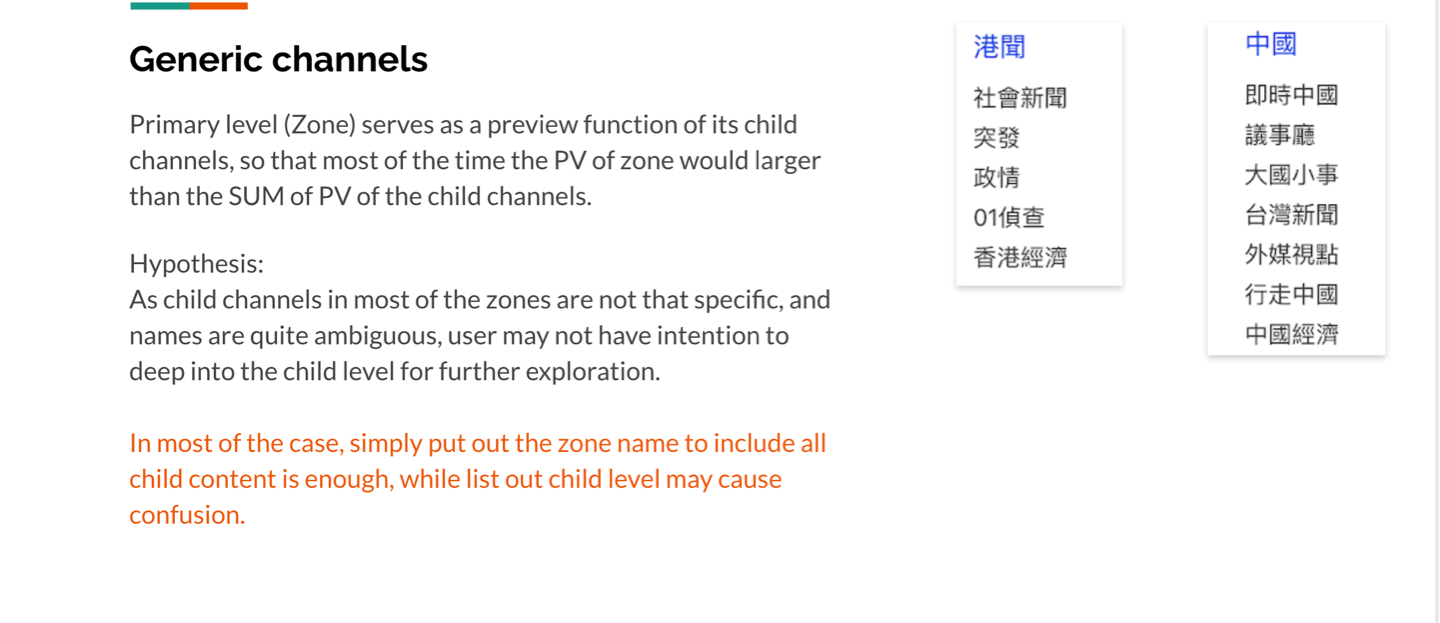
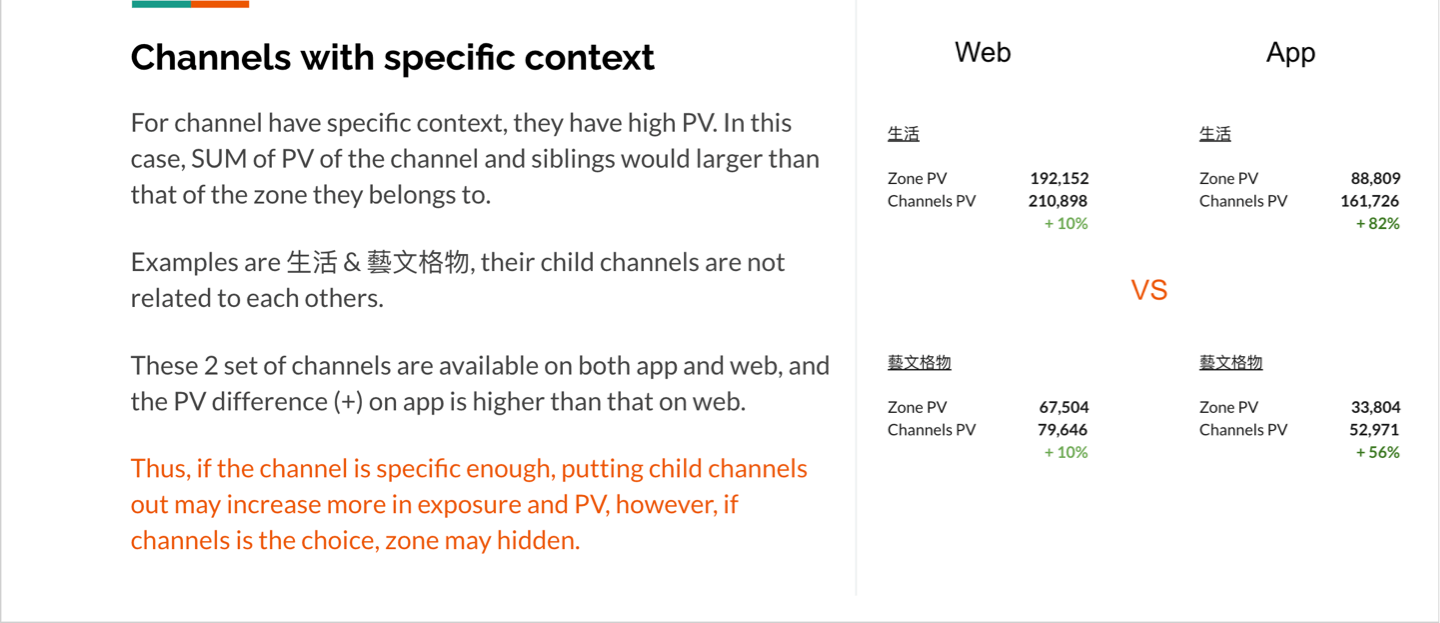
By comparing the PV of the channel landing pages, it becomes evident that certain channels outperform their respective parent zones in terms of popularity. One hypothesis is that these channels possess a specific theme or topic that attracts readers who prefer to delve deeper into the content rather than obtaining a superficial understanding from the broader zone.
Assumption and suggestion
Despite the potential benefits of aligning the channel structure through synchronization between the web and app platforms, it is important to consider the potential consequences that may arise from this change,
Hiding content
The menu bar’s support for multi-levels can result in a thicker UI component, which in turn reduces the amount of content that can be displayed on the screen.
Learning curve raised
The introduction of additional hierarchy can make it more challenging for users to associate specific channels with their corresponding zones. This unfamiliarity may arise due to the extra effort required to navigate and understand the relationship between channels and zones.
PV of specific channels may decrease
Due to the synchronization of the menu and the introduction of additional hierarchy, users may no longer have direct access to specific channels through the shortcut menu. This is because the desired channel may be hidden within the second level of the menu, requiring users to navigate through multiple levels to reach their desired content.
The above assumptions suggest that it would be preferable for the menu to remain unchanged unless both zones and channels can be selected and displayed on the same level.
.png)
.png)